Every memory, ready for the next generation.
Trioce designs simple electronic devices that turn film, slides, photos, VHS tapes, cassettes and vinyl into digital files — at home, without a computer or a lab.


Electronics made for the things you keep.
Each device does one job, simply and well. Pick what you need to bring back to life.
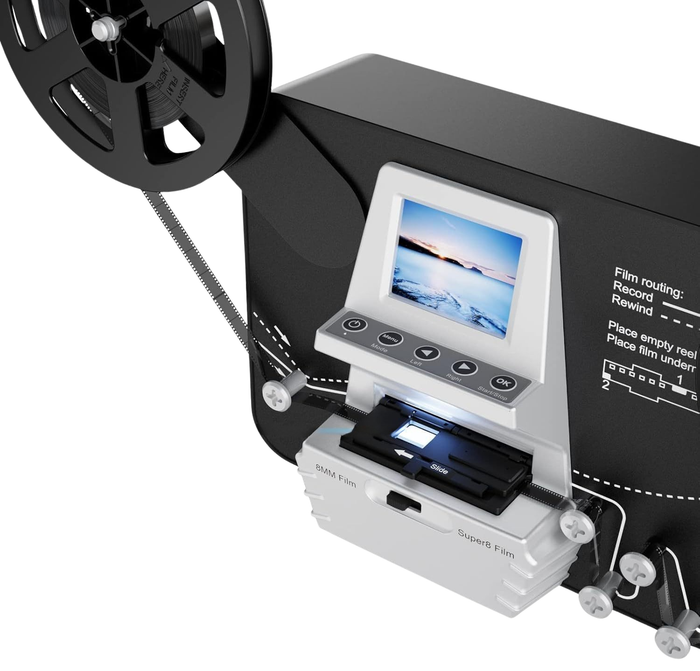
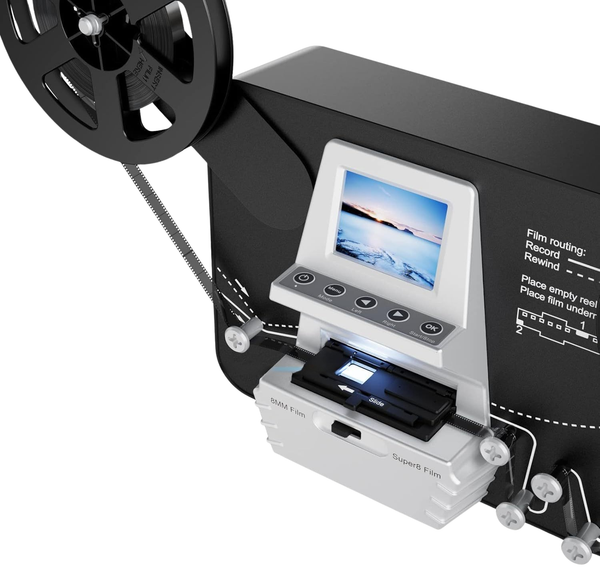
Super 8 & 8mm Film Reel Scanner
Turn 3" to 7" film reels into digital video.

Film Scanner HD with 5" Screen
35mm negatives and slides on a big, bright screen.

35mm Slide & Negative Scanner
Compact, one-button scanning for slides and negatives.
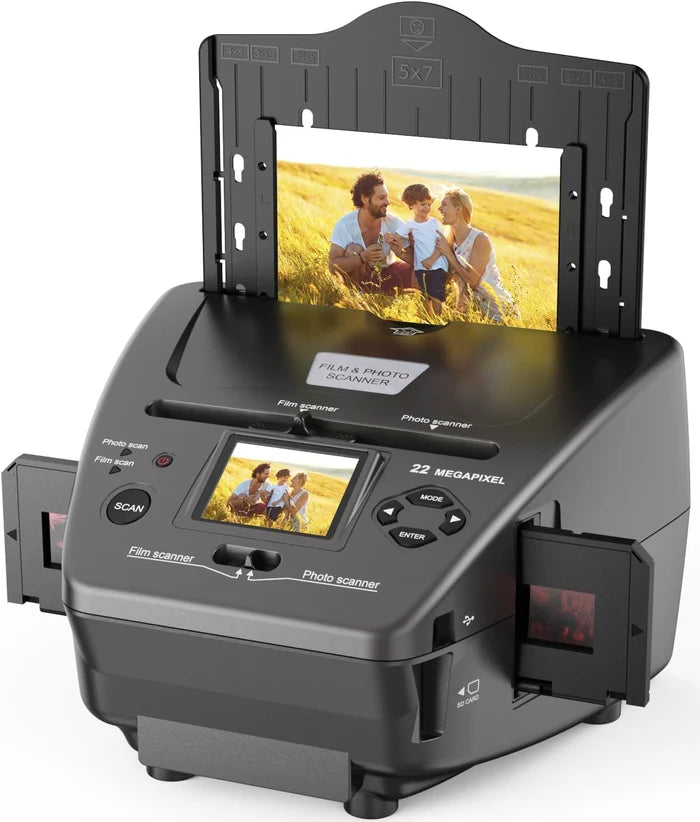
4-in-1 Film & Photo Scanner
Negatives, slides, prints and business cards.

Smartphone Film Scanner
Use your phone to view and save old negatives.
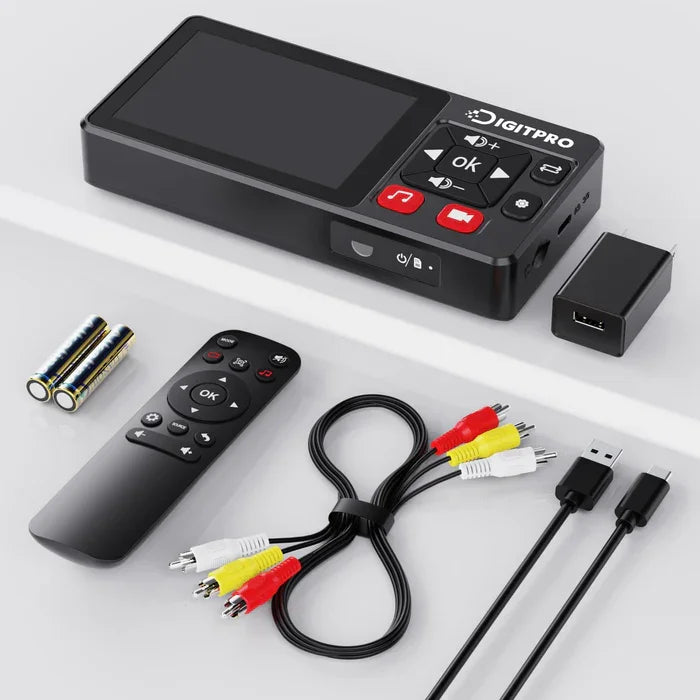
VHS to Digital Converter
Save VHS, Hi8 and camcorder tapes to USB or SD.

Video Recorder & DVD Burner
Record from tapes and cameras straight to DVD or USB.

Cassette to MP3 Converter
Turn audio cassettes into MP3 files, no computer.
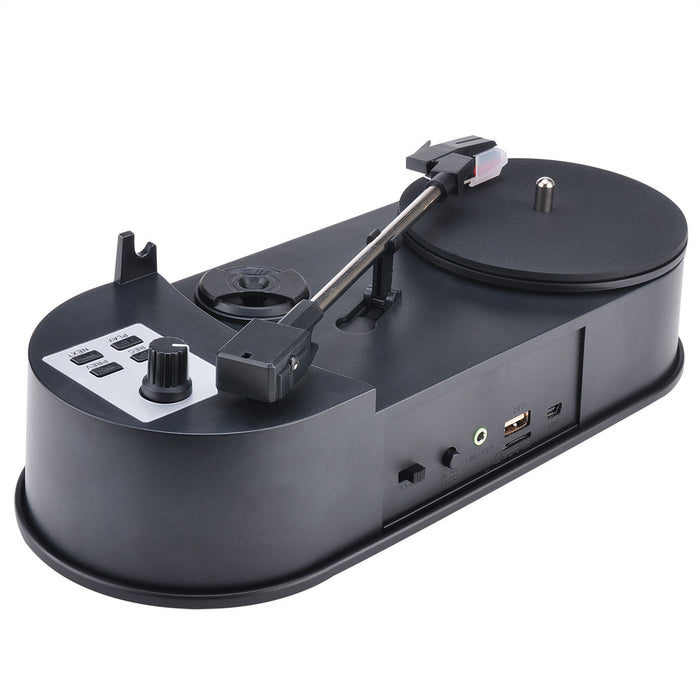
Vinyl to MP3 Turntable
Play your records and save them as MP3.
Three steps. No computer needed.
Load it
Slide in your film or photo, insert the tape, or drop the record on the platter. Every device comes with the holders and cables you need.
Press one button
A built-in screen shows you each picture or recording as it is saved, straight to an SD card or USB stick.
Share it
Plain JPEG, MP4 and MP3 files open on any phone, TV or laptop — ready for the family chat, a photo book or the cloud.
Simple devices, honest service.
We sell what we would want our own parents to use.
See every scan or recording as it happens — no software to install.
No posting precious film or tapes to a lab. Everything is done at your own table.
30-day returns, the 2-year EU legal guarantee and secure Shopify checkout.
Real support by email, phone and live chat, usually within 24 hours.
A small company with a simple mission.
Trioce LLC is a consumer-electronics company registered in Wyoming, United States. We develop and sell easy-to-use devices that help families save their photos, films, videos and music before time erases them.
Our products are sold online through trioce.com and shipped with tracking to customers across Europe. Prices are shown in euros and every payment is processed through Shopify's secure checkout.
Questions before or after you order? Our team replies to every message — usually within one business day.
Contact our teamTrioce LLC
- Address
- 30 N Gould St, Ste R
Sheridan, WY 82801
United States - Phone
- +1 (917) 914-8115
- support@trioce.com
- Hours
- Mon–Fri 9:00–18:00 EST
Sat 10:00–15:00 EST - Website
- trioce.com
Questions, answered.
Where do you ship, and how long does it take?
Can I return a product?
Which payment methods do you accept?
Do I need a computer to use the devices?
Is there a warranty?
How can I contact you?
The boxes in the attic deserve a second life.
Choose your device and see your first memory on screen tonight.
Shop the range →